
Three kids, five activities,
one screen.
You already know what Wednesday looks like. What you don't have is one place that knows it too — and gives you a heads-up the moment it changes.
A kid-safe view with no chat, no payments and no personal details — just their own week, so getting ready stops being a negotiation.
The four jobs, done properly.
Search the way you decide
By activity, by your child's age, by the days you're actually free, and by how far you'll realistically drive after work.
Real local businesses
Independent, owner-run academies and studios in your town. No national chains crowding out the neighborhood dojo.
Openings you can see
Class times, ages served, session length and whether there's actually a spot left — before you pick up the phone.
Four tabs. That's the whole thing.
We kept it deliberately small on purpose. You're opening this in a car park with a toddler on your hip, not sitting down to do admin.
Your address sits at the top, the eight categories underneath, and everything bookable near you below that. Change the location whenever you're looking somewhere else — a grandparent's house, a summer trip.
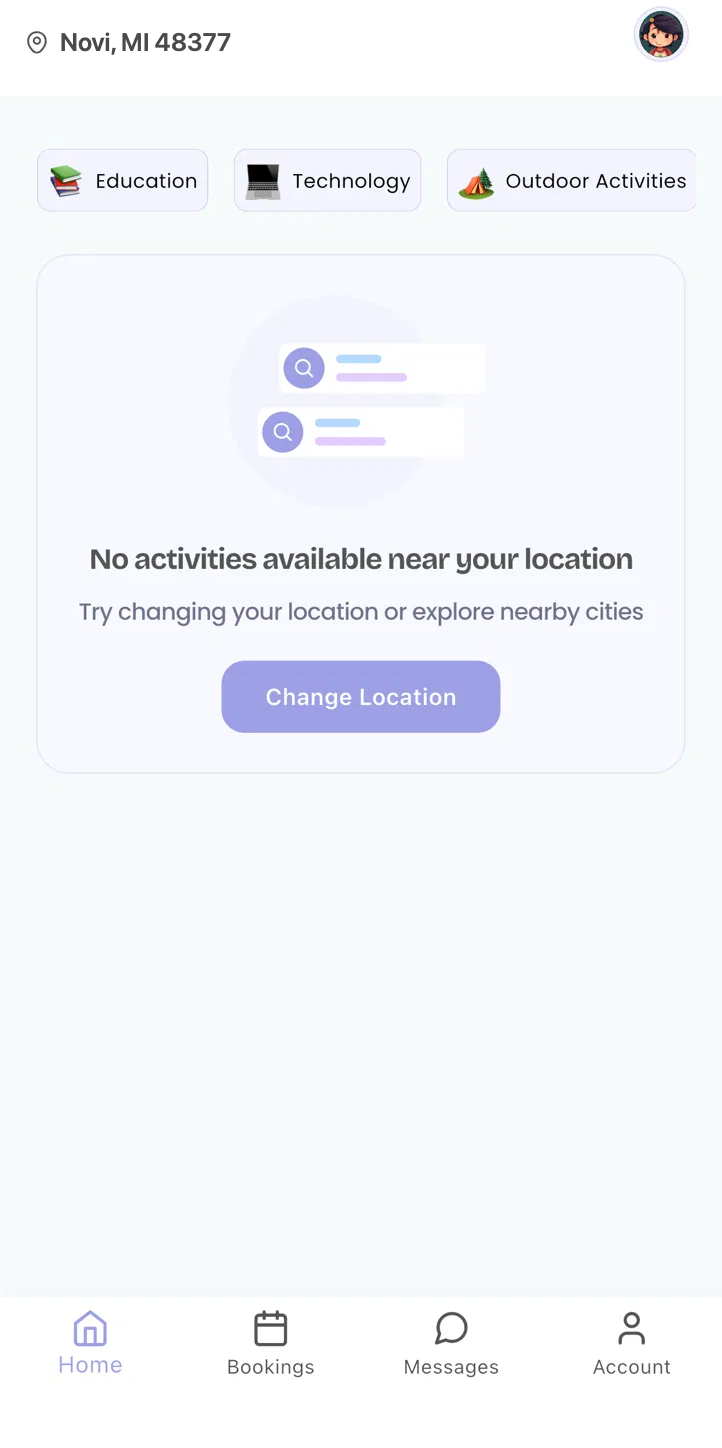
Home
Your address, the eight categories, and everything bookable near you — the tab you'll open most.
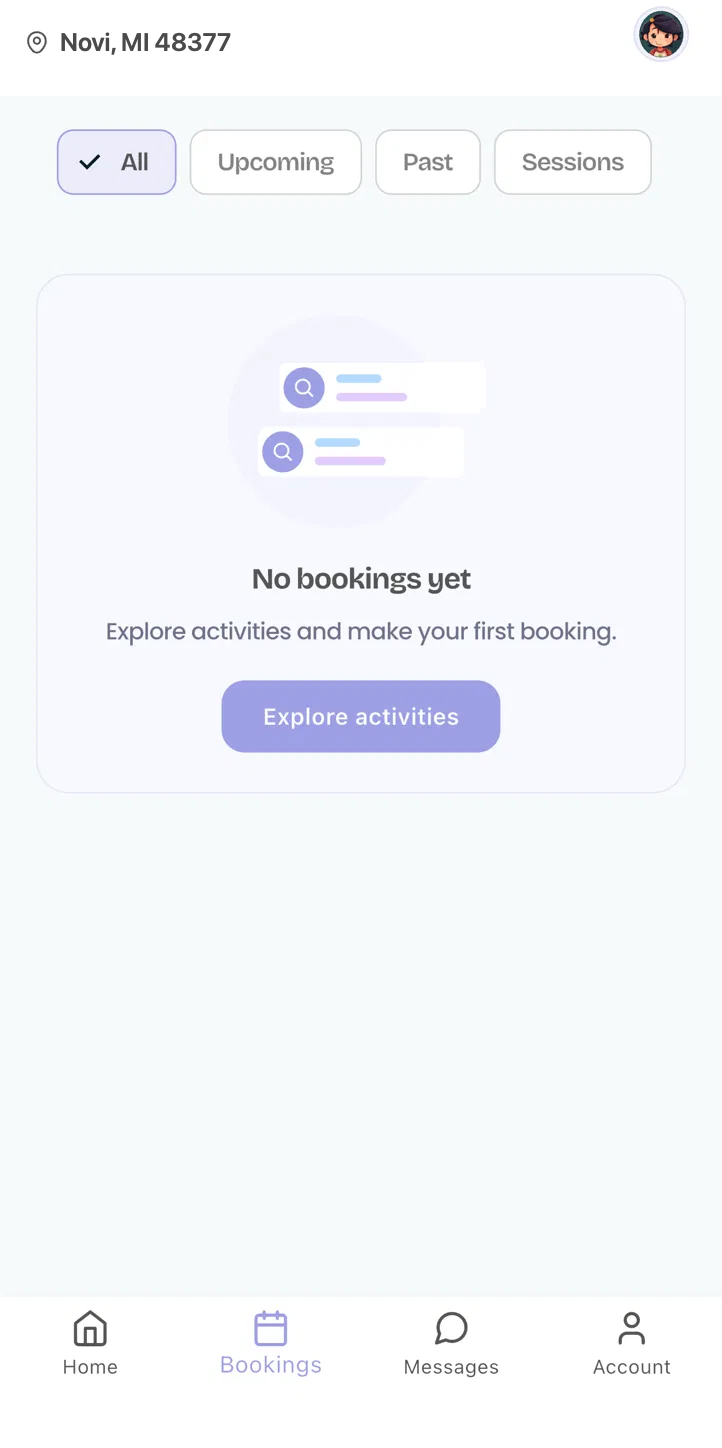
Bookings
Every child's activities on one calendar, with the business, time and any last-minute changes right there.
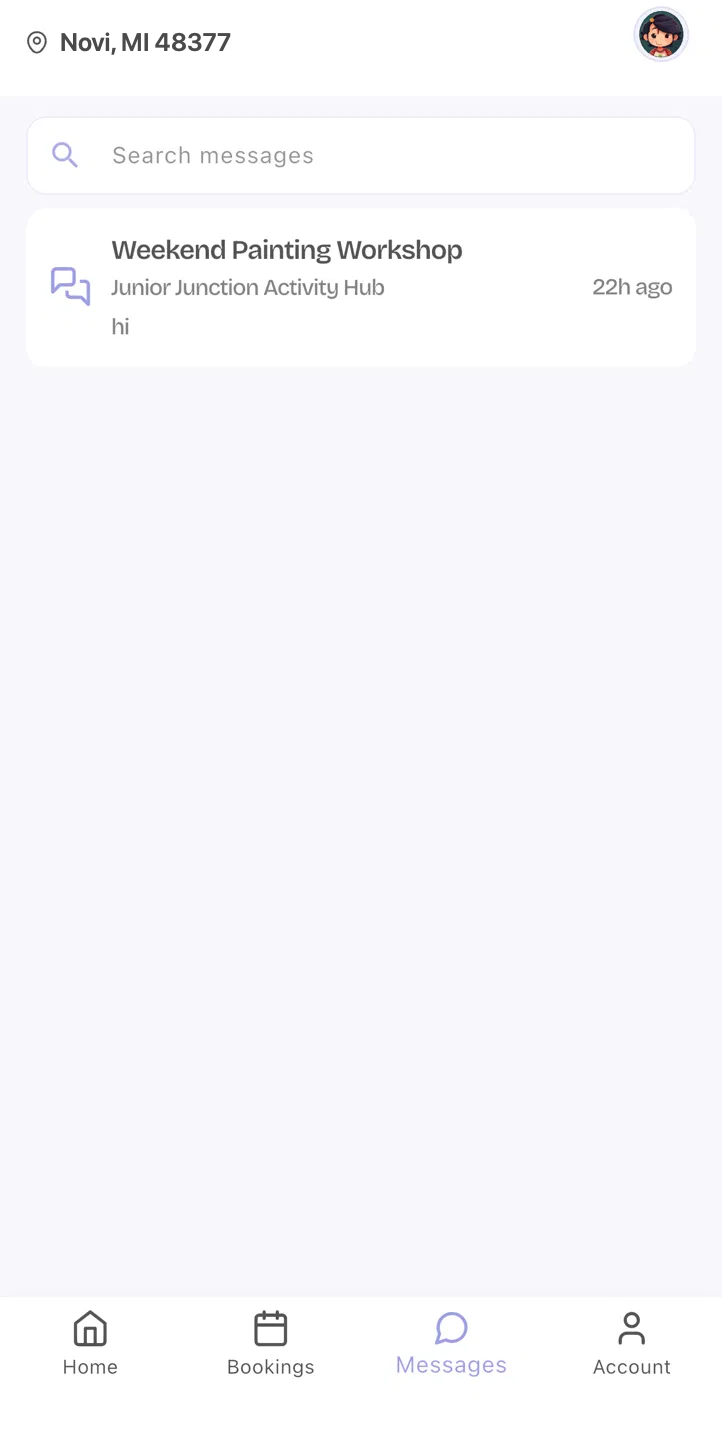
Messages
One thread per business, so a question to the karate school never lands in the ballet school's inbox.
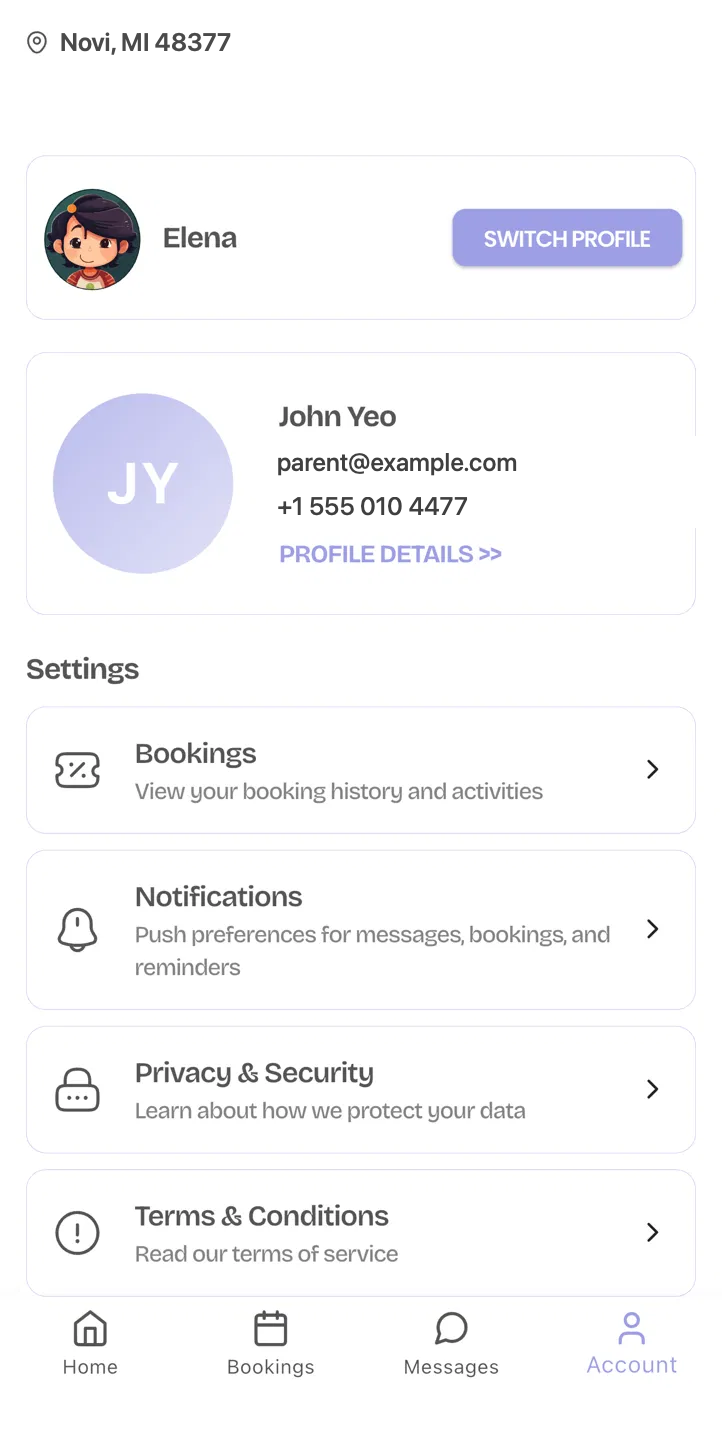
Account
Your children, payment methods, and notification settings — all editable without calling anyone.
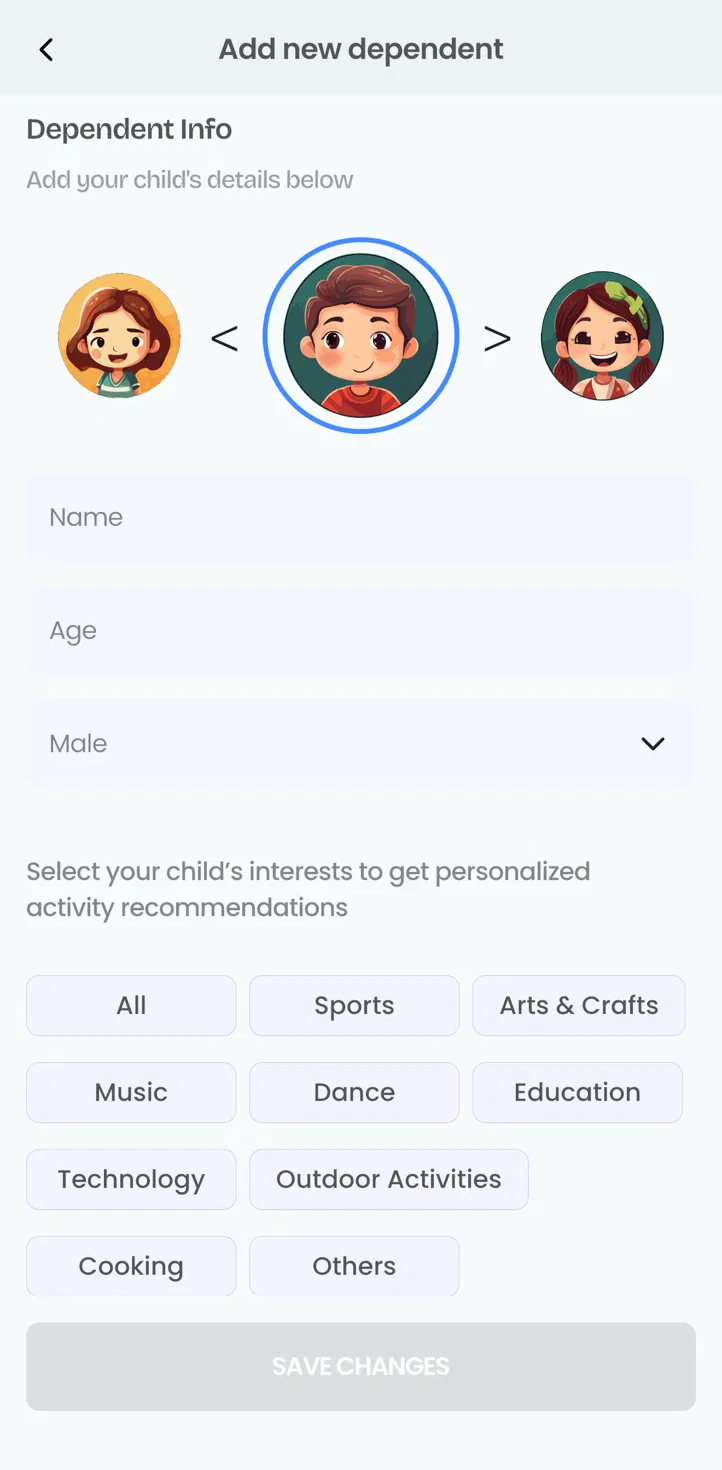
Adding a child takes a minute
Pick an avatar, give a name, an age and a gender, then tap the interests that fit them — Sports, Arts & Crafts, Music, Dance, Education, Technology, Outdoor Activities, Cooking or something else. That's what shapes their recommendations.
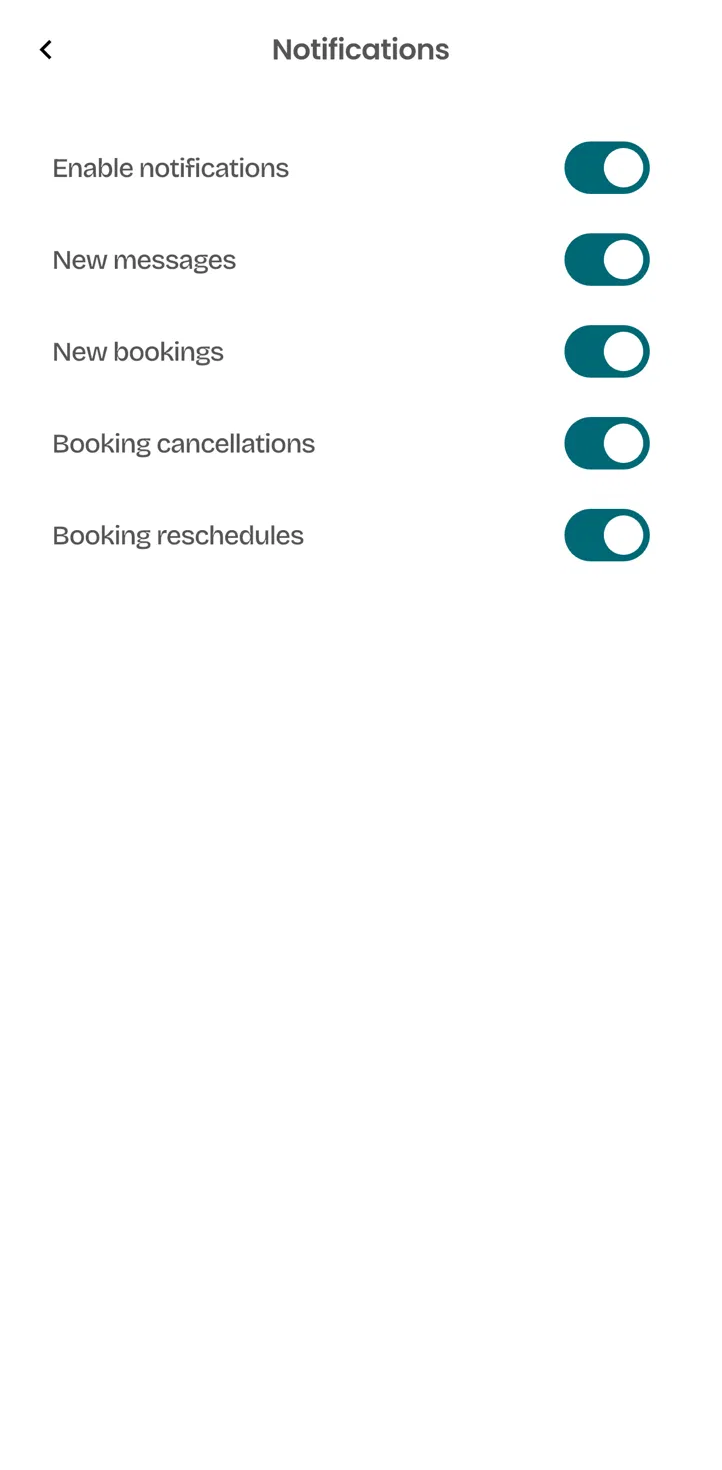
Notifications you actually set
One master switch, then separate switches for new messages, new bookings, cancellations and reschedules. Most parents keep cancellations on and everything else off — that's a legitimate choice, not a broken setup.
Nothing. And here's why that's sustainable.
Families pay no subscription. Businesses pay a share of what they earn through the platform, because the platform brings them bookings and takes work off their plate. That's the whole business model — no data sold, no premium parent tier holding your kid's schedule hostage.
See what businesses payNo subscription
The family account is free and stays free, however many children and businesses you add.
What we ask for, and what we don't.
Children's information deserves a higher bar than a marketing database. We hold ourselves to collecting the minimum a class needs to run safely.
Minimal by design
A first name, an age or grade, an emergency contact and anything medical you choose to disclose. We don't need more, so we don't ask for more.
You control the sharing
A business sees your child's details only for the activities they're booked into. Cancel, and that access ends.
Never sold
We don't sell or rent personal information about you or your children.
What parents ask first.
Get on the list.
Tell us where you are and which businesses your kids already go to. We'll invite you when your area opens — and we'll go talk to those businesses.